
Creating Discourse Relationships
Creating a Relationship
To create a relationship between discourse nodes:
-
Open a note that you want to create a relationship from
-
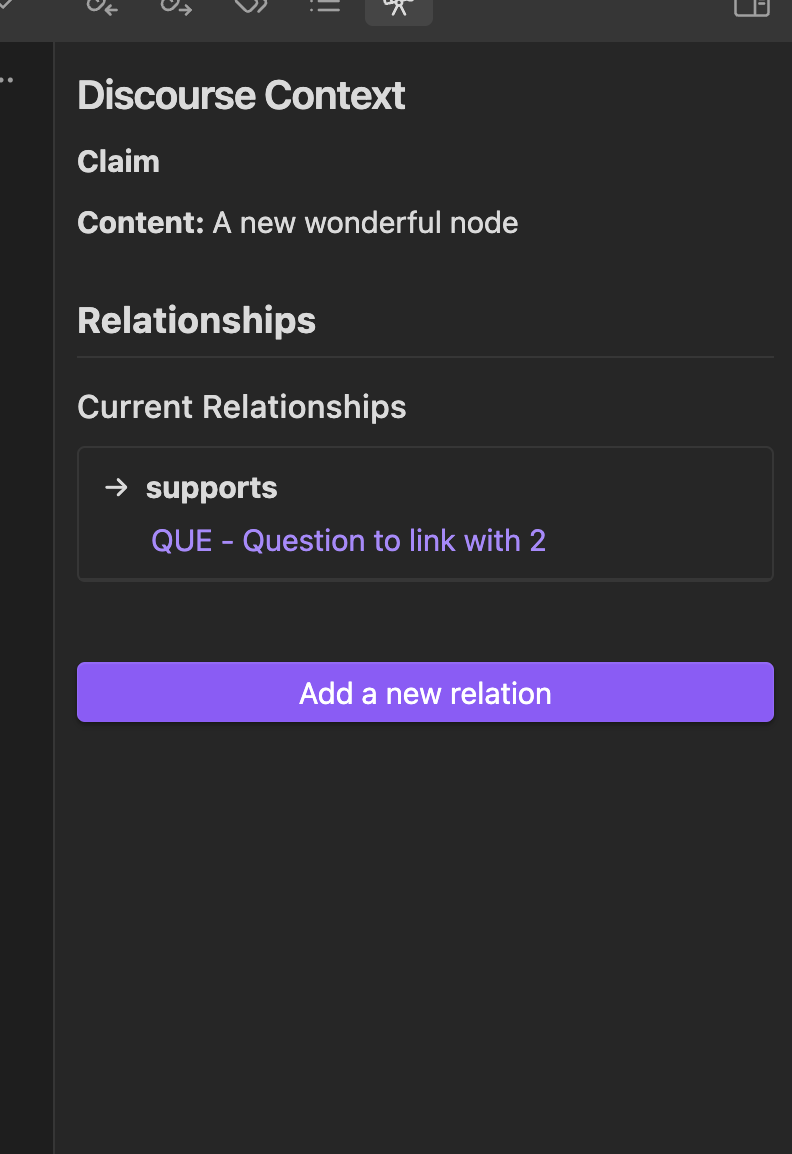
Open the Discourse Context by clicking the telescope icon on the left bar
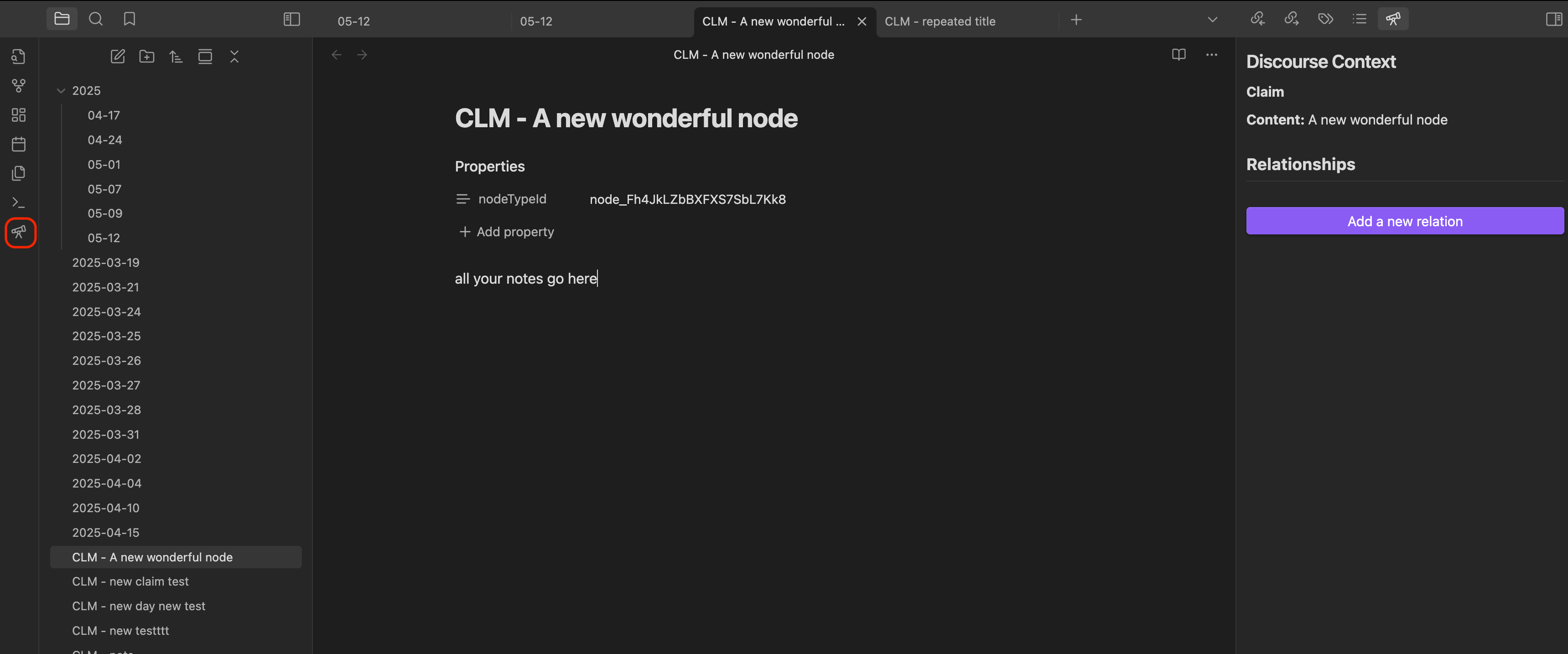
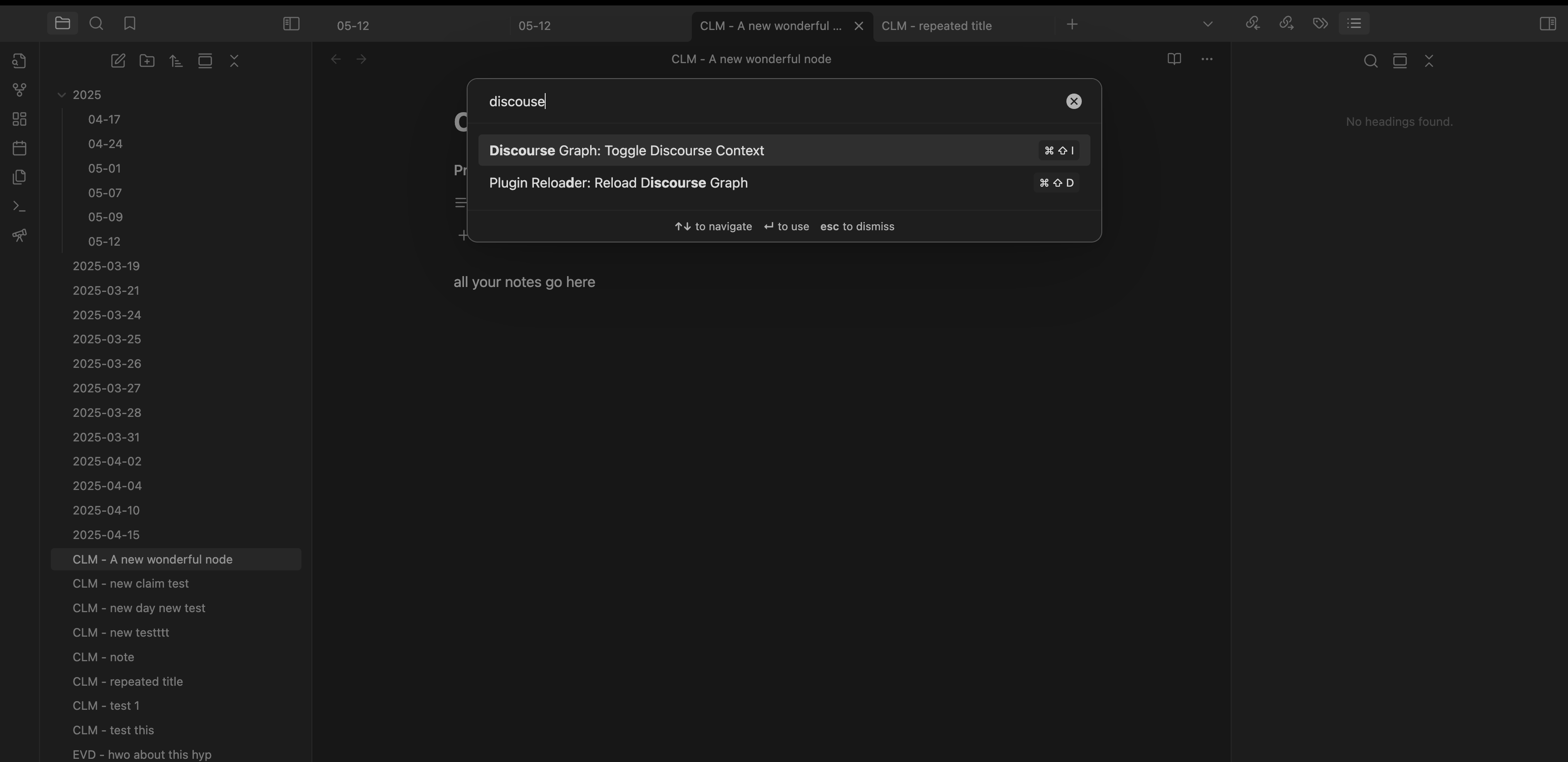
Alternatively, you can:
- Set a hotkey to toggle the Discourse Context view
- Access it via the Command Palette
-
Click "Add a new relation"
-
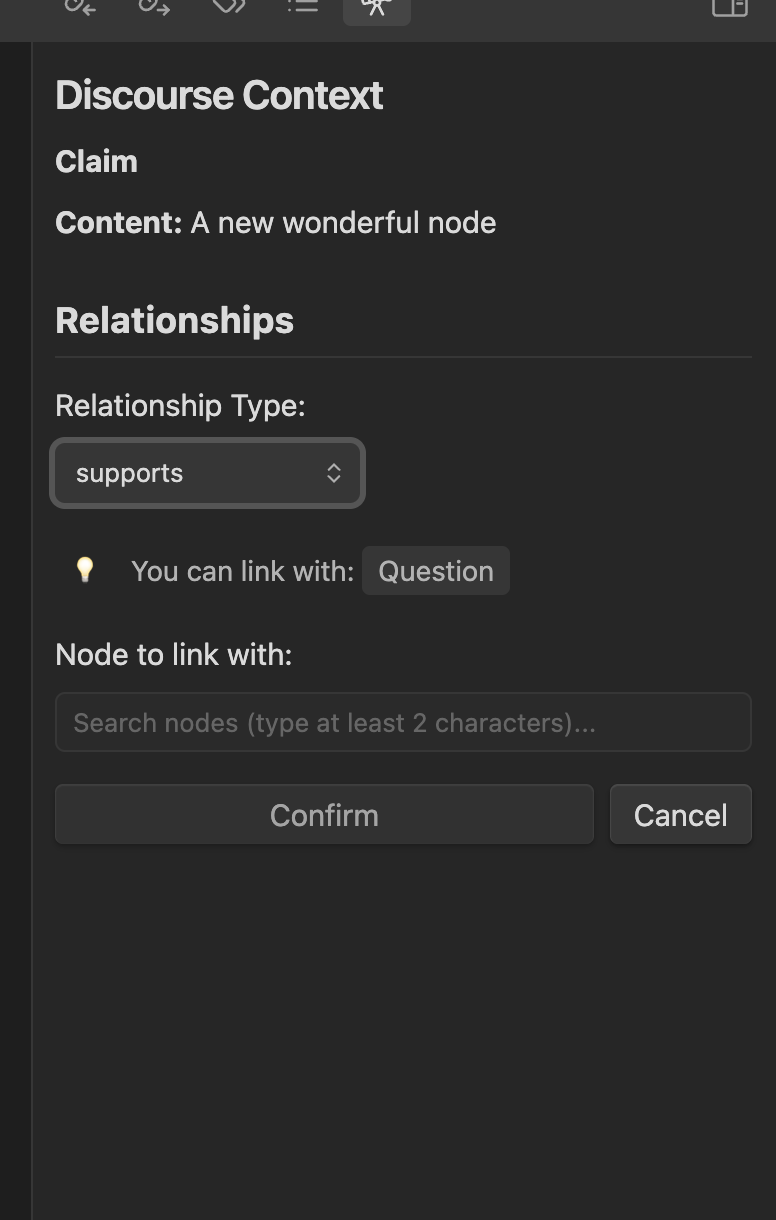
Choose a relationship type from the dropdown. The dropdown shows all available relations that you have defined in the settings, and indicates what node types you can link with.
-
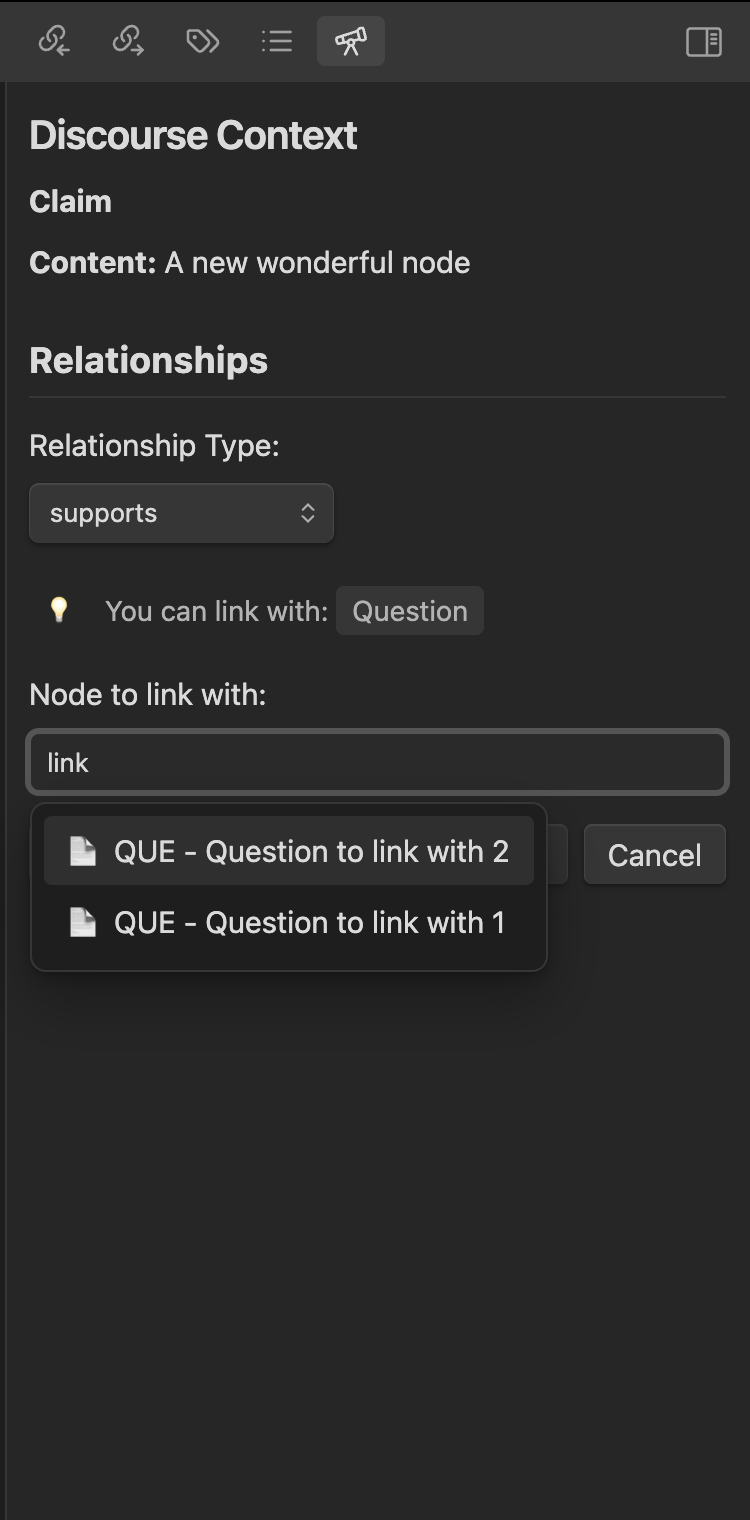
Search for the target node by its title
-
Click "Confirm" to create the relationship
Next Steps
After creating relationships: